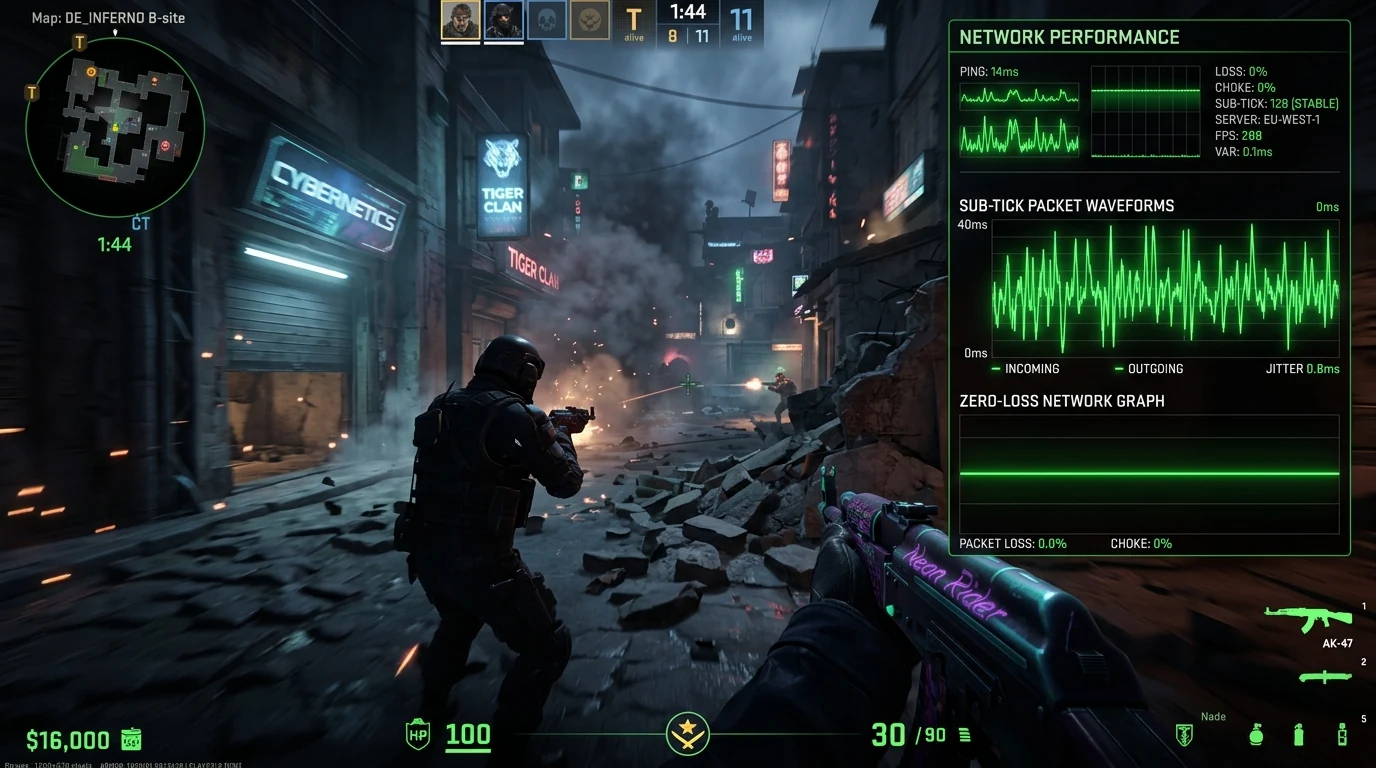
The Core Engine of Counter-Strike 2 Networking
In Counter-Strike 2 (CS2), Valve replaced the legacy 64-tick/128-tick server model with the revolutionary Sub-Tick System. Instead of evaluating weapon firing and character movements strictly on discrete tick boundaries (every 15.6ms on 64-tick), the CS2 client timestamps the exact millisecond fraction when you press +attack.
How Packet Loss Destroys Sub-Tick Precision
Because sub-tick accuracy relies on continuous UDP packet delivery between client and Valve Game Coordinator servers:
- Dropped Sub-Tick Frames: If network packet loss occurs at the exact millisecond you shoot, the server misses the precise timestamp and falls back to server-side interpolation, causing "shots that felt dead-on" to miss.
- Jitter & Bufferbloat: When residential routers queue gaming packets behind streaming video downloads, fluctuating packet arrival intervals cause rubberbanding and spatial desync.
How to Diagnose CS2 Network Telemetry In-Game
- Open CS2 Settings → Game → Telemetry.
- Set Show Network Jitter / Packet Loss to Always.
- Monitor for red or yellow spikes indicating ISP routing congestion along intermediate hops.
For related network defense in competitive matches, explore our report on CS2 Premier & FACEIT DDoS protection.
Audit your network routing latency and verify your ISP telemetry on the DCIPCHECK diagnostics portal.