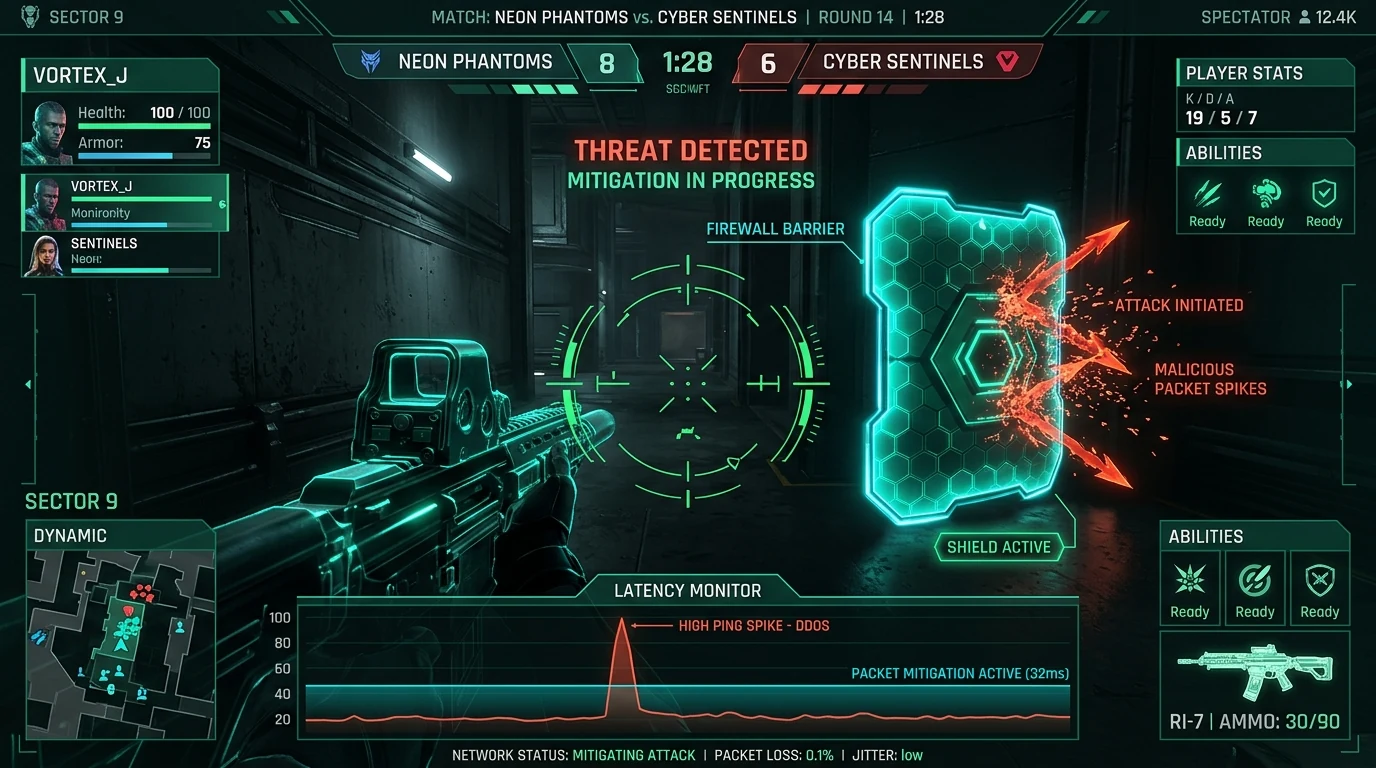
The Reality of Targeted Lag Attacks in Competitive CS2
In high-stakes competitive esports, an unexpected network spike is not always bad ISP routing. Across Counter-Strike 2 Premier and third-party matchmaking platforms like FACEIT, malicious players increasingly leverage targeted DDoS (Distributed Denial of Service) attacks to temporarily knock opponents offline during crucial match points.
Valve Steam Datagram Relay (SDR): How Valve Masks Your Game IP
Valve introduced Steam Datagram Relay (SDR) to mitigate in-game IP exposure. Under SDR, your CS2 game client does not connect directly to the match server. Instead, all game traffic is encrypted and routed through Valve private global backbone of relay servers.
Because of SDR, other players inside the CS2 match server cannot pull your IP address directly from game packets. How, then, do bad actors target players with 999ms latency spikes?
Out-of-Band Vector: How Attackers Acquire Your IP
Attackers obtain competitive player IPs using out-of-band vectors running simultaneously on the player PC:
- Steam Profile Click-Through Links: Visiting custom trading showcase links or tournament bracket portals posted on an opponent Steam profile.
- Third-Party Voice Software: Unprotected TeamSpeak servers or direct voice calls that leak residential endpoints.
- Discord Direct Message Traps: Deceptive IP logger links sent to tilt or distract players mid-match. Review our guide on Discord link grabbers.
- Unshielded Web Browsers: Background browser tabs executing WebRTC STUN requests that broadcast your home network identity.
Recognizing a Targeted UDP Flood vs Natural Packet Loss
Natural ISP congestion usually causes gradual ping increases across the entire lobby. In contrast, a targeted UDP flood exhibits distinct characteristics:
- Pinpoint Isolation: Only your client freezes (999ms ping, 100% outbound packet loss) while your teammates and opponents move normally.
- Tactical Timing: Packet spikes begin precisely when you are in a 1v1 clutch or defusal situation.
- Router-Level Knockout: Your entire home Wi-Fi drops momentarily because the WAN port buffer overflows with dummy packets.
Esports Hardening Checklist: How to Shield Your Connection
- Enable Steam Networking Relay Protection: In Steam settings, set Steam Networking to Always Relay to prevent peer-to-peer handshakes.
- Deploy High-Performance Low-Latency Routing: Learn how gaming VPN tunnels route around malicious floods in our article on whether gaming VPNs actually lower ping.
- Audit Live Network Latency & Vulnerabilities: Run real-time edge telemetry with our Cyber Shield live latency tester.