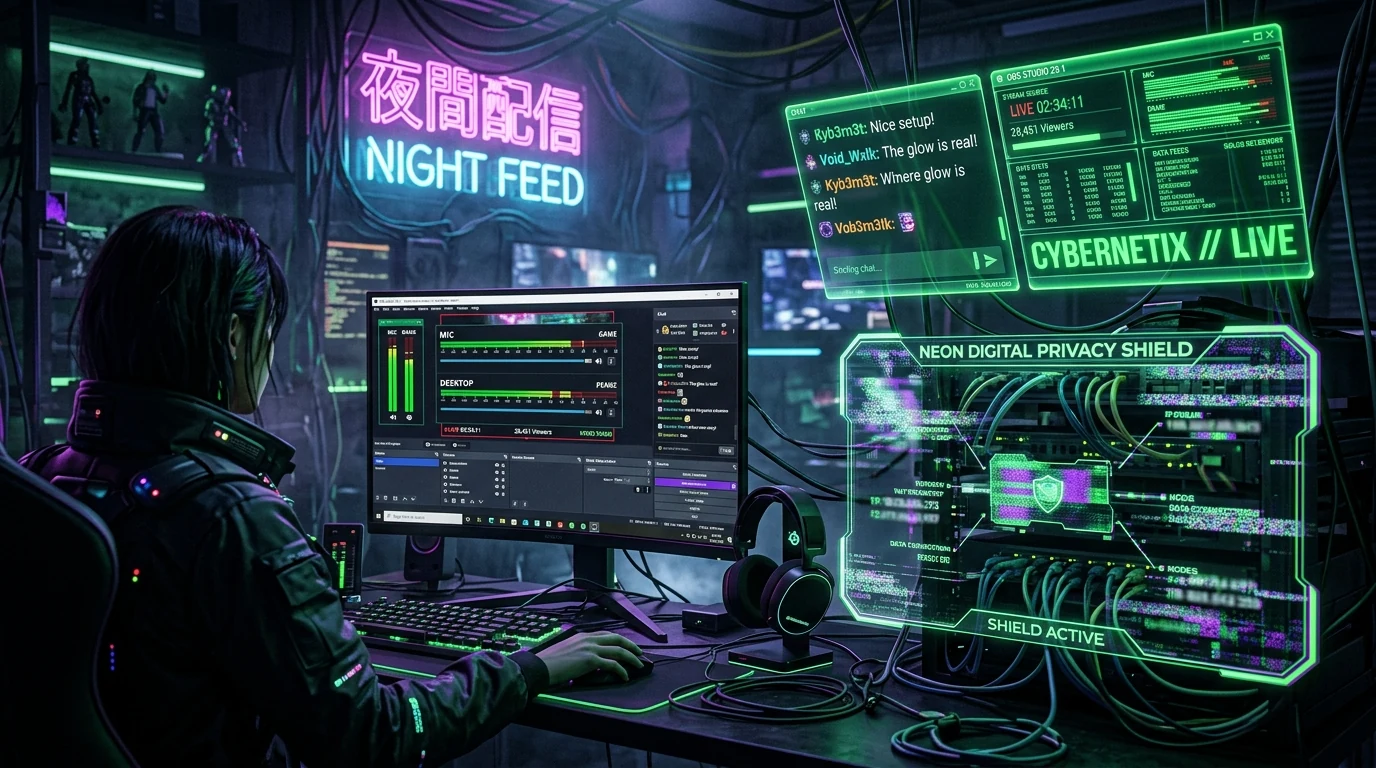
The High-Risk Reality of Live Game Streaming
Broadcasting live to thousands of viewers on Twitch, Kick, or YouTube Gaming introduces severe cybersecurity challenges. Unlike offline video creators who can edit out accidental exposures in post-production, a single frame revealing your residential IP address or network gateway can trigger immediate, targeted denial-of-service floods.
The Most Common IP Leak Vectors in OBS Studio
Streamers rarely leak their IP intentionally. The most frequent accidental disclosures occur through everyday software interactions:
- Opening Router Management Pages: Troubleshooting Wi-Fi latency on stream by navigating to
192.168.1.1or modem status pages that display your WAN IPv4 address in plain text. - Command Prompt & Terminal Debugging: Running commands like
ipconfig,ping, ortraceroutewhile screen capturing. - Browser Address Bar Autofill: Typing speed test URLs or IP checking portals on an unshielded display capture source.
- Custom OBS Browser Sources: Unverified third-party stream widgets, chat overlays, or donation alerts that execute external tracking scripts.
Review our in-depth analysis on how gamer doxing begins with minor IP leaks.
How to Configure OBS Studio for Maximum Network Privacy
- Use Game Capture or Window Capture Exclusively: Never use Display Capture (Monitor Capture) as your primary stream source. Game Capture strictly hooks into DirectX/Vulkan game frames and ignores background browser windows.
- Configure an Emergency Stream Mute / Blank Scene: Bind a dedicated hotkey on your Stream Deck or keyboard that instantly switches to an animated BRB screen and mutes desktop audio.
- Enable Studio Mode: Review all scene transitions in preview mode before pushing them live to the stream output.
- Audit Outward Network IP Regularly: Test your connection and verify that your VPN tunnel is active before clicking Go Live on our free live IP check portal.