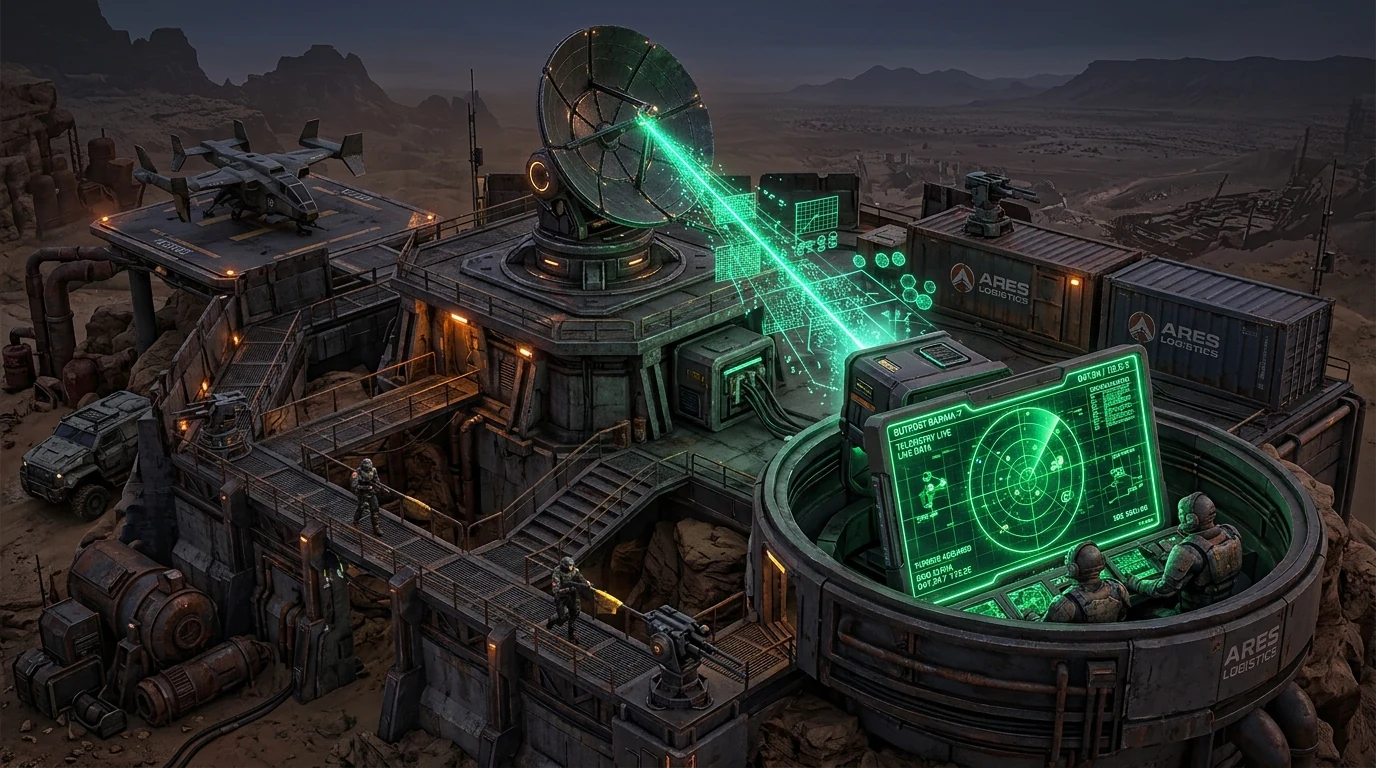
The Metagame of Player Tracking in Rust
In the brutal survival world of Rust, offline raiding is an art form. Rival clans and enemy groups frequently employ Open Source Intelligence (OSINT) scrapers like Battlemetrics to monitor exactly when you join a server, when you log off, and what time zone your connection originates from.
How Game Server Query Protocols Work (A2S_PLAYER)
Most dedicated game servers (Source Engine, Unity, Unreal) expose a public Server Query Port running the Valve A2S protocol:
- External indexing platforms query the server IP address every 60 seconds using
A2S_PLAYERpackets. - The server responds with the public list of active Steam IDs, player nicknames, and exact session durations.
- By aggregating this data over months, tracking engines build precise behavioral profiles showing your sleep schedules and online activity cycles.
When Does Server-Side IP Logging Become Dangerous?
While public query ports only expose your Steam profile and session duration, the server hosting provider and RCON administrators have access to your raw residential IP in console logs (e.g., [RCON] Player 76561198... connected from 198.51.100.24:60124).
If a corrupt server owner shares connection logs with competitive clans, your residential modem can be targeted with DDoS attacks right as a raid begins. Learn how IP pullers and gaming stressor attacks knock players offline.
Tactical Recommendations for Rust Players
- Play on Verified Official or High-Reputation Modded Servers: Avoid obscure private servers where untrusted admins control connection logs.
- Use Steam Privacy Settings: Set your Steam Profile and Game Details to Private to prevent external scrapers from correlating your account aliases.
- Audit Your Public Connection: Monitor your network routing latency and ASN profile on the DCIPCHECK diagnostics tool.