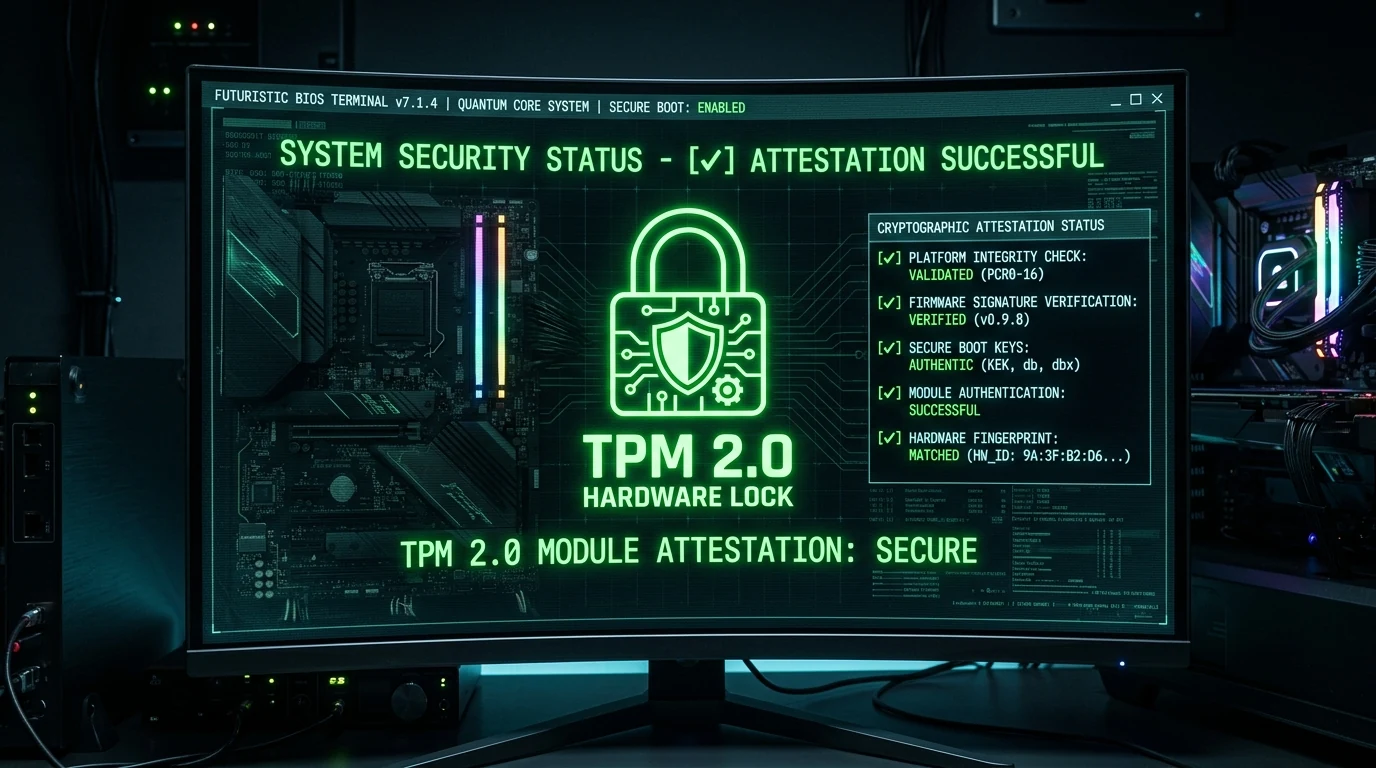
Understanding Riot Vanguard Boot Errors (VAN 9003 & VAN 1067)
When launching Valorant or League of Legends on Windows 11, millions of players have encountered the dreaded error dialog: VAN 9003: This build of Vanguard requires TPM version 2.0 and Secure Boot to be enabled in order to play.
This is not a network connection glitch or game file corruption—it is a strict hardware security attestation failure enforced by Riot kernel driver (vgk.sys).
Why Riot Games Enforces TPM 2.0 & UEFI Secure Boot
Vanguard requires these security protocols to prevent rootkits and hypervisor cheats from injecting code into Windows before the anti-cheat driver loads:
- UEFI Secure Boot: Verifies that every bootloader component, kernel driver, and option ROM contains a valid cryptographic signature from Microsoft or motherboard vendors.
- TPM 2.0 (Trusted Platform Module): Hardware cryptographic chip that validates the integrity of system measurements and provides hardware-bound ban enforcement. Review our guide on Vanguard HWID ban architecture.
Step-by-Step Guide: How to Fix VAN 9003 in Motherboard BIOS
- Restart your PC and repeatedly press
DELorF2to enter the UEFI BIOS. - Navigate to the Boot or Security tab.
- Set CSM Support (Compatibility Support Module) to Disabled (mandatory for UEFI mode).
- Locate Secure Boot → Set to Enabled → Set Secure Boot Mode to Standard.
- Navigate to the Advanced / Security tab → Locate AMD fTPM or Intel PTT (Platform Trust Technology) → Set to Enabled.
- Press
F10to save settings and reboot into Windows.
Once rebooted, verify that your system is recognized properly on our Pro Cyber Shield system diagnostic portal.