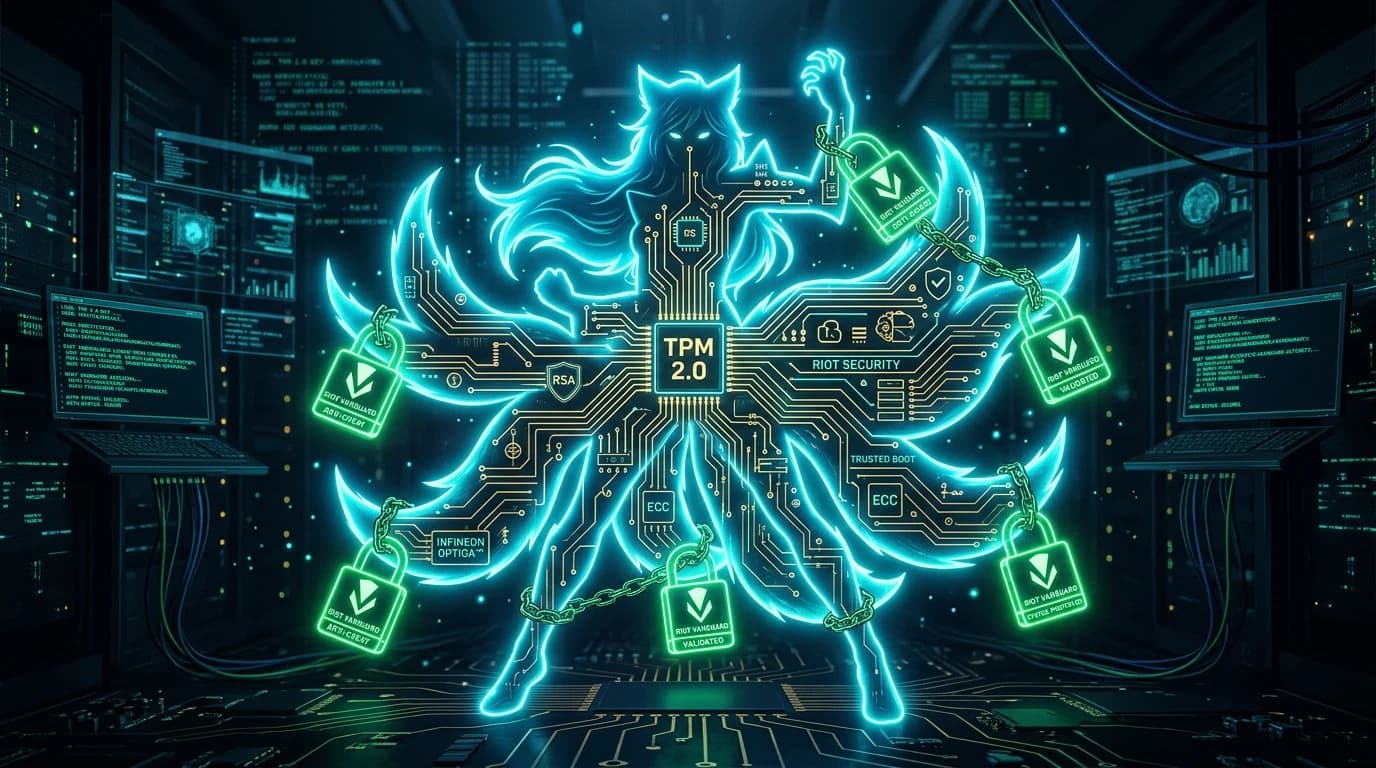
The Paradigm Shift: Vanguard Comes to Summoner Rift
In 2024–2026, Riot Games completed the full deployment of Riot Vanguard to League of Legends, replacing legacy anti-cheat systems. This architectural migration ended an era of software-only cheat detection and introduced strict hardware-level prerequisites: TPM 2.0 (Trusted Platform Module) and UEFI Secure Boot.
Why Software Bans Failed in Legacy MOBA Gaming
In older versions of League of Legends, banned scripters or bot farm operators could spin up virtual machines, change dynamic IP addresses by rebooting their modems, and resume operations within minutes. An IP ban alone is ineffective against modern botnets because residential IPv4 addresses rotate constantly.
How TPM 2.0 Binds Player Identity to Physical Silicon
With Vanguard active, Riot anti-cheat driver interfaces directly with your processor hardware security enclave:
- Cryptographic Attestation: The TPM generates non-forgeable cryptographic signatures proving that your operating system boot chain is authentic and untampered.
- Virtualization Lockdown: Hypervisor-assisted cheats and bot VMs are blocked at the firmware level.
- Permanent Hardware Telemetry: When an account receives a permanent penalty for unauthorized scripting, Vanguard logs the immutable hardware endorsement certificate.
Read our breakdown comparing Vanguard HWID bans vs temporary IP bans to understand why network manipulation cannot circumvent hardware penalties.
System Security & Diagnostic Recommendations
- Ensure UEFI Secure Boot is Enabled: Check your motherboard BIOS settings to verify that CSM legacy boot is disabled and Secure Boot is in Standard Mode.
- Audit Hardware Health & Background Services: Avoid running unauthorized memory injectors or outdated overclocking drivers that can trigger false positive kernel hooks.
- Verify Your Public Routing Identity: Test your connection and ASN route on our Pro Cyber Shield diagnostic dashboard.